Data Scraping Tool Installed
1
Pin the Extension
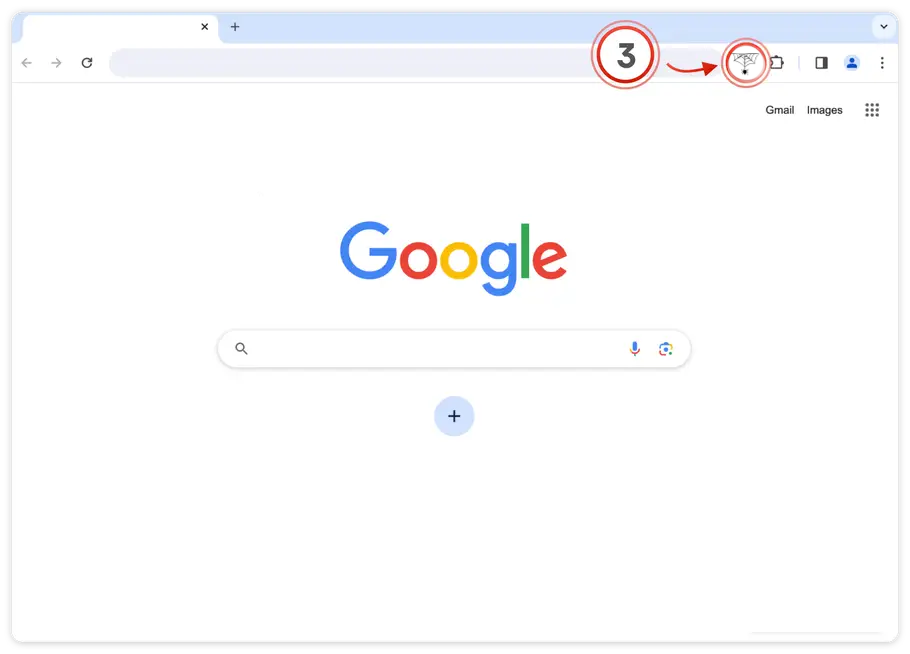
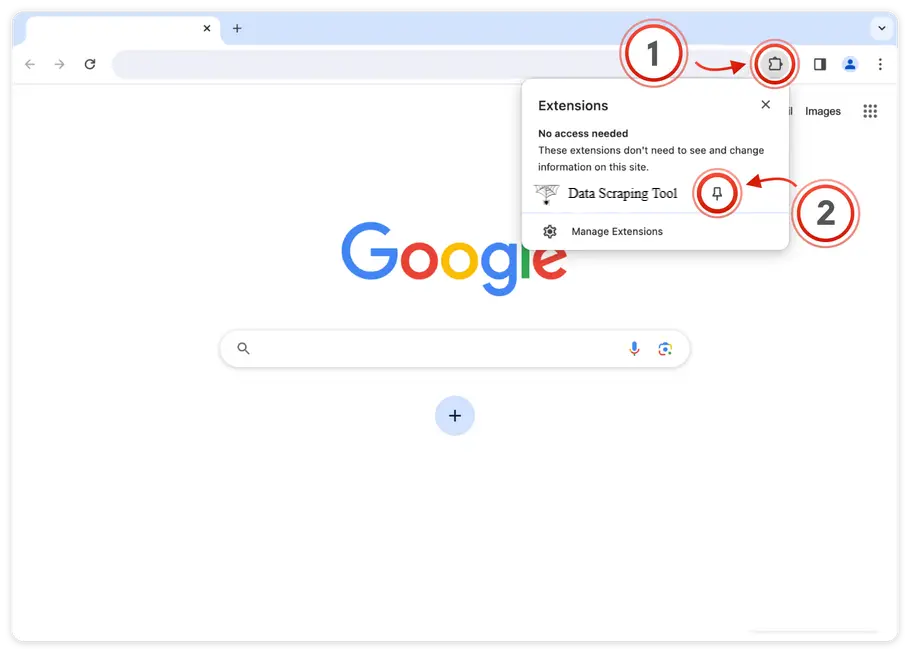
Click the 🧩 puzzle icon in the top-right corner of Chrome, then click the 📌 pin next to Data Scraping Tool to keep it visible in your toolbar.
2
Start Scraping
Navigate to any webpage and click the Data Scraping Tool icon in your toolbar. Select elements, extract data, and export to CSV or JSON with just a few clicks.